
The last time I wrote about Linux distributions (“distros”) was in early 2025. Since then, there’s been a few changes in the Linux landscape: Ubuntu states they plan to incorporate AI; Pop!_OS has switched to their own custom desktop, COSMIC; and gaming-oriented Bazzite has become popular. As such, I thought a newer post was in order, as well as to cover some of the things I missed in the last one.
I’m well aware Linux isn’t for everyone, but it does have advantages. And while most distros let you install any desktop environment onto them, I’m assuming you’ll want to stick with the one that came with the distro.
General purpose usage / my default answer: Linux Mint
Site: https://www.linuxmint.com/
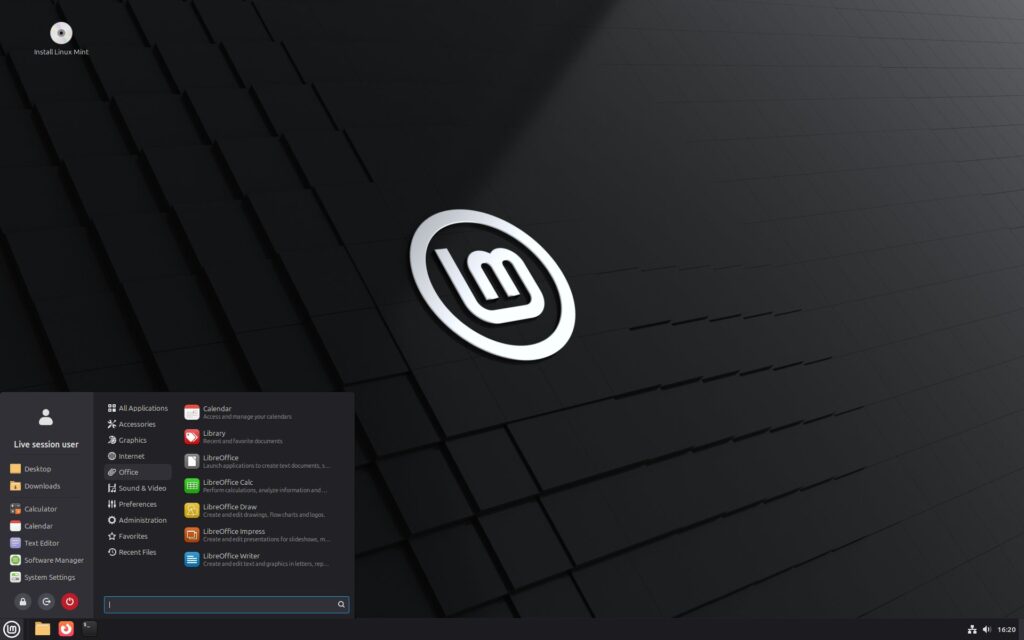
Linux Mint (with the Cinnamon desktop) has been my main Linux choice for years. It’s also still my default recommended Linux distro. Mint is based on Ubuntu, but fixes some of Ubuntu’s own flaws, making it more pleasant (and in some ways, even easier) to use. Techies will be pleased Mint doesn’t offer Ubuntu’s Snaps (just Debian and Flatpak packages).
Overall, Mint’s easy to use, works well, has decent defaults, and the Cinnamon desktop by default resembles the operating system most people are used to, Windows. That said, Mint is customizable, and also comes in versions with other desktops (MATE, Xfce). There’s also Linux Mint Debian Edition, which is based on Debian instead of Ubuntu, but otherwise works almost identically to regular Mint.
If you just want a simple “which Linux distro should I use?” answer, you can stop reading here. If you’re interested in other options, however, keep reading.
For a MacOS-like desktop: Ubuntu, Fedora Workstation, Pop!_OS
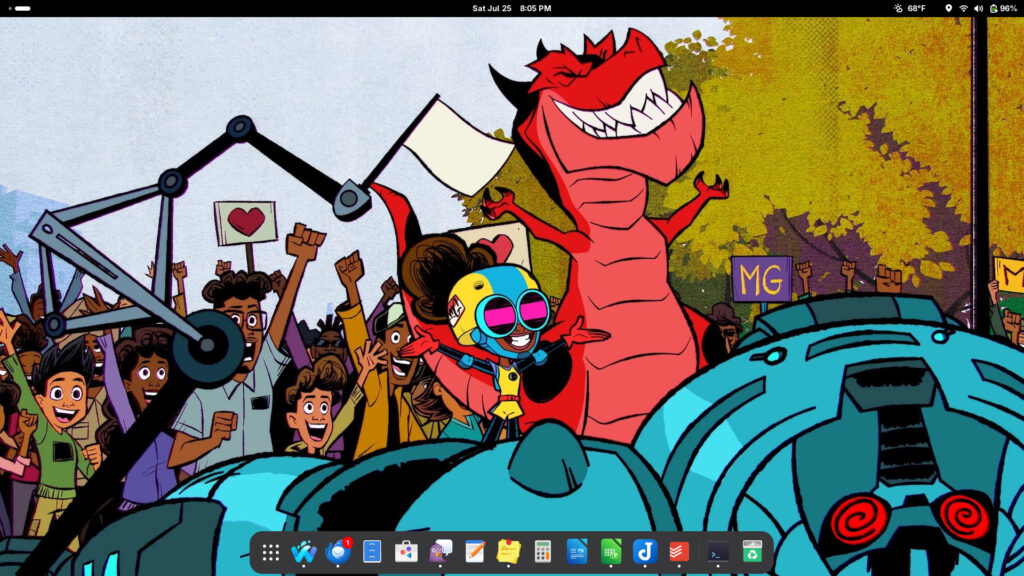
For those who prefer a MacOS-style desktop and/or are coming from Macs, GNOME is probably the most popular desktop choice. GNOME comes with a clean interface, and offers a Mac-style dock at the bottom of the screen. It’s also the default desktop for several major Linux distros.
Ubuntu
Site: https://ubuntu.com/download
Ubuntu has been for years the de facto “face” of Linux in general, and it’s still fairly popular. However, said popularity waned in recent years, for various reasons. For starters, there are many other user friendly Linux distros available, with those using Ubuntu as a base but making their own customizations (see: Linux Mint). Ubuntu’s owner Canonical has also made some questionable choices that annoy techie users, such as incorporating AI and Snaps (while not supporting Flatpak by default). The fact Snaps requires a non-hidden dedicated folder in the main user folder I feel is a major flaw; if it’s a required feature, why not make it hidden?
That said, Ubuntu is easy to use, supports a wide variety of hardware, and “just works.” There’s also plenty of official variants of Ubuntu available, running alternate desktops: Kubuntu (running the more Windows-like KDE; more on this below), Xubuntu (running the lightweight Xfce), Ubuntu Budgie, etc. If one doesn’t care about Snaps, Ubuntu is still a decent and beginner-friendly choice.
Fedora Workstation
Site: https://fedoraproject.org/workstation/
Fedora is another longtime Linux distro. It’s more “techie” and a bit less newbie-friendly than Ubuntu, however, though definitely not on the level of something for hardcore users like Arch or Gentoo.
Fedora Workstation is one of the two default Fedora versions, which comes with GNOME. Fedora also comes with various alternative versions (or “spins” as they call them), from Fedora KDE Plasma (see below) to Budgie. It’s also not based on Debian, so it uses its own repository/software formats separate from Debian/Ubuntu.
The version of GNOME Fedora offers is generally the default version, which lacks some customizations that Ubuntu’s version offers, such as minimize and maximize buttons. I’d advise installing GNOME Tweaks and Extension Manager, which lets you install said buttons, as well as the “Dash to Dock” extension to minimize apps by clicking their dock icon.
Fedora also doesn’t have Ubuntu’s long-term support (LTS) versions, so you’ll have to update to a new version of Fedora about once a year. It’s a byproduct of Fedora’s emphasis on newer versions of the Linux kernal, desktops, and apps.
I’ve been using Fedora again lately (after giving it a try a few years ago). It offers a fairly clean user experience, and is generally pleasant to use. (I’m still getting used to typing DNF into the terminal, after years of Debian’s APT.) As a longtime Mac user, I also appreciate the Mac-style dock (versus trying to customize Cinnamon in Mint to achieve something similar). After installation, I’d advise doing the following (based on tips from here and here):
- Install any updates (from the Software manager or the terminal) and reboot.
- Install RPM Fusion, a repository that includes third-party software not covered by Fedora’s default repositories. Afterwards, install the non-free version of ffmpeg for better multimedia support, and then reboot.
- Install the GNOME Tweaks and the Extension Manager apps, turn on the minimize and maximize window buttons, and install the Dash to Dock extension.
Pop!_OS
Site: https://pop.system76.com/
Pop!_OS is a newer distribution created by System 76, a company that also sells Linux preinstalled computers. It’s quite user-friendly, even if its name’s hard to type. Like Mint, it’s also based on Ubuntu.
Recently, Pop!_OS switched its desktop from a customized version of GNOME to its own written-from-scratch desktop, COSMIC. As it’s still fairly new, it might have some rough edges for users; when I tried it, I ran into a few too many bugs/crashes. Still, I expect all this to be sort out in time (if it hasn’t been already), so Pop!_OS might be worth considering.
For a Windows-like desktop: Linux Mint, Kubuntu, Fedora KDE Plasma
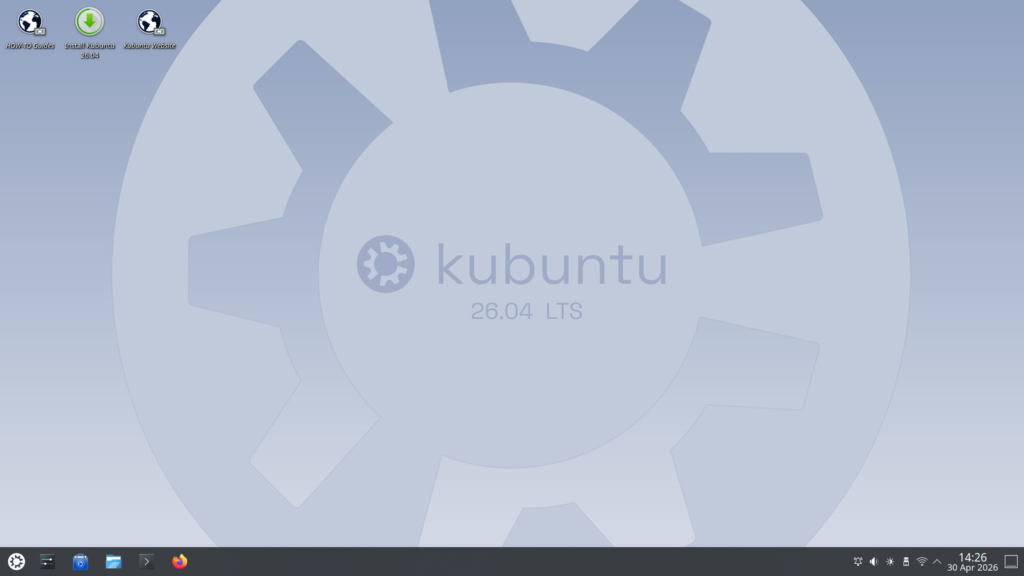
Most people are used to Windows, and thus expect their default Linux desktop experience to resemble such—one reason Ubuntu (and the GNOME desktop) turns some people off. If that’s the case, see the options below.
Linux Mint
Site: https://www.linuxmint.com/
As mentioned above, Linux Mint is my default choice. It runs on the Cinnamon desktop, which resembles Windows, albeit an older version. Some might want a slicker experience, however; for that, see the options below.
Kubuntu
Site: https://kubuntu.org/
Kubuntu is managed by Canonical, the people behind Ubuntu. Kubuntu uses the KDE desktop environment. Like Cinnamon, KDE resembles a Windows-like experience (a Start menu, a single toolbar at the bottom of the screen, etc.) However, unlike Cinnamon, KDE puts a bigger emphasis on a visually slicker experience.
Kubuntu shares all of Ubuntu’s advantages: wide hardware support, easy to find help, etc. It also shares Ubuntu’s disadvantages, such as Canonical’s questionable decisions (Snaps, AI).
Fedora KDE Plasma
Site: https://fedoraproject.org/kde/
Fedora comes with a KDE version, dubbed “Fedora KDE Plasma”; Workstation and KDE Plasma represent the main default versions of Fedora offered, as shown on the main Fedora page. Fedora KDE Plasma shares the same advantages and disadvantages of Fedora Workstation and KDE, and seems popular among Fedora users.
For gamers: Bazzite
Site: https://bazzite.gg/
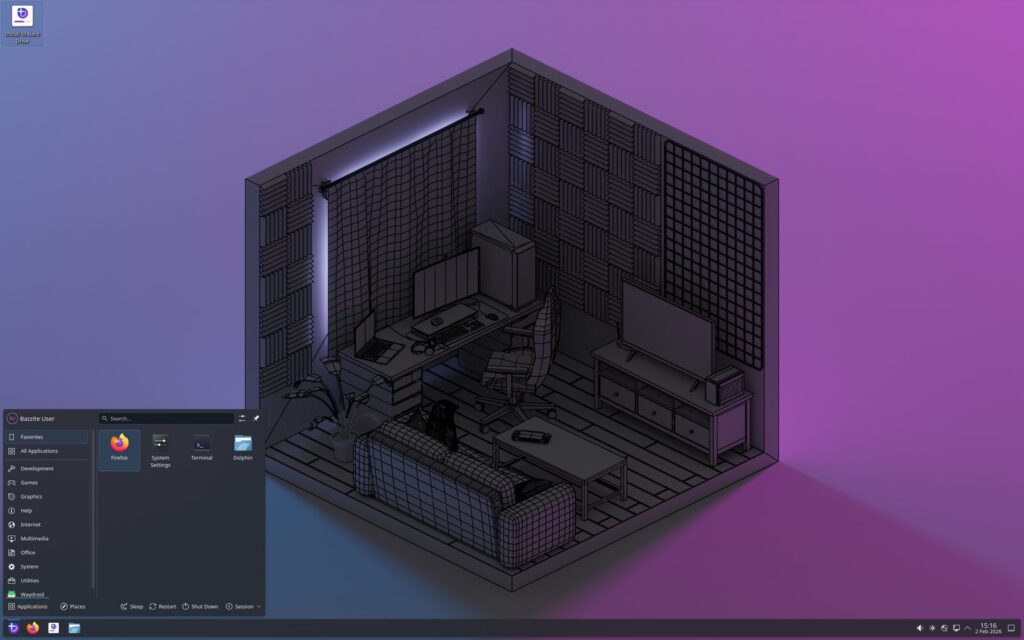
Bazzite is a Fedora fork that’s aimed at gamers, and is designed with close compatibility with Valve’s SteamOS and other popular PC games. As such, Bazzite addresses things gamers care about, such as drivers, graphics cards, game performance, etc.
While Valve also now offers SteamOS as a downloadable option, some might want to still go with Bazzite, as it’s not directly tied to a specific company.
For older or low-end computers: Mint Xfce, Xubuntu

Mint Xfce: https://www.linuxmint.com/download.php
Xubuntu: https://xubuntu.org/
For older or lower-end computers you still want to keep in use, Xfce is a more lightweight desktop than GNOME, KDE, etc. Xubuntu (an official Ubuntu version based on Xfce) and Mint Xfce both offer plenty of features like their mainstream Mint/Ubuntu counterparts, while using fewer computer resources.
I used to use Xubuntu on a few older computers, and it worked well.
For advanced or expert users: Arch, CachyOS
Arch: https://archlinux.org/
CachyOS: https://cachyos.org/
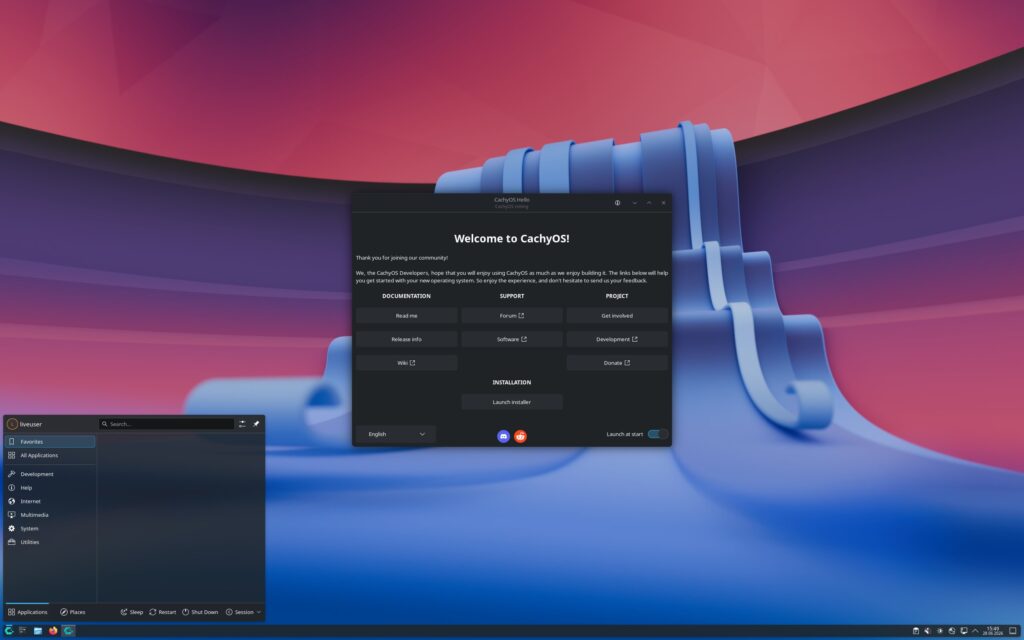
I don’t have much advice for hardcore or advanced users, given my intermediate-tier skills. However, from what I’ve read, Arch seems to be a popular distro among those that like to tinker with Linux. There’s also a newer Arch-based distro that’s grabbed attention lately, CachyOS, which is meant to make using Arch a bit easier.
Conclusion
The above distros should satisfy most Linux users, from beginners to experts. Of course, if you don’t want to switch to Linux, but still dislike the direction Windows has taken, there’s one other option: buying a Mac, which runs MacOS.
Do you use any of the above distros?
Image: “Tux” by Eduardo Quagliato is licensed under CC BY 2.0 (Flickr, cropped from original).

Debian
just install Debian
Long time Mint user here. While it’s the closest to Windows I’ve found. Don’t be fooled, it’s fairly straightforward but it does have it’s own way of doing things sometimes. But IMHO it’s biggest strength is the community. Unlike more Linux hardcore user oriented distros help is so easy to find that your just a Google away from an easy to understand and implement post.
Same Distros recommended anywhere. I agree with Mint, always. You want stable: Debian/ Devuan. Want a rolling release: Void Linux and openSUSE Tumbleweed.. And I stop here.
Gentoo, with MATE DE, is by far the best, most stable distro. It’s my main distro. I run mint on an older Lenovo laptop, and on my wife’s machine.
I think MxLinux also deserves a place here, due to its user-friendliness, efficiency, and the intuitive desktop layout it provides as default. Although I use Mint as my daily driver, I have made the desktop layout exactly like Mx Linux. Only one taskbar to the side evens out the screen of my 16:9 screen, and makes it appropriate for reading and editing documents.
I’ve been using manjaro for a while. it’s pretty cool and I like it
I’ve been using Mint Mate version and is a rock sold distro. No complaints . I still have to use Win 10 for some applications but day to day use it’s Mint Mate
Using Arch Linux with the Cosmic DE, mostly for private ans school stuff. It works perfectly for me, on mylaptop.
About 10 years ago I got interested in Linux and tried over 30 distros (based on Distrowatch), but couldn’t see its purpose — coming from Windows. Then 6 years ago I got frustrated with Windows, did a lot of current Linux research, and decided on Mint by getting rid of Windows. I haven’t had any problems, the updating is easy, media plays flawlessly, and no crashes. I may try other distros on an older laptop, mainly for the fun — and maybe I will more impressed to change distos.
The 2026 distro list still feels right if you treat it as a map of workflows rather than a ranking. I bounced between Fedora and a Debian-based spin this year for the same reason a lot of people do: one machine wants current Mesa and a working webcam stack, the other wants the same packages six months from now. The gap that is harder to talk about in these roundups is visual work. Screenshot galleries and default wallpapers tell you almost nothing about how a compositor behaves when you have a browser, a terminal, and a reference image open at once.
I started keeping a small set of stills for that — same scene, different environments — so I can see whether shadows crush or UI chrome eats the canvas. When I need a starting still instead of photographing a desk, I use […] and then throw most of the output away. The useful part is not the pretty picture; it is having a consistent lighting setup to compare GNOME, KDE, and a tiling session without restaging a room.
A couple of practical notes from that process: Wayland screenshot tools are still uneven if you care about color management, and NVIDIA laptops still punish you if the distro’s default session is too clever with offloading. Fedora’s recent ISO has been the least surprising for me on a mid-range AMD laptop; Debian testing is where I go when I am tired of chasing a plugin that needs an older library. I would rather see future editions of this list include one “content creation” column — display server, color pipeline, and which GPU stack actually worked — instead of another paragraph about how friendly the installer is. The installer is fine. The session after the installer is where the week disappears.