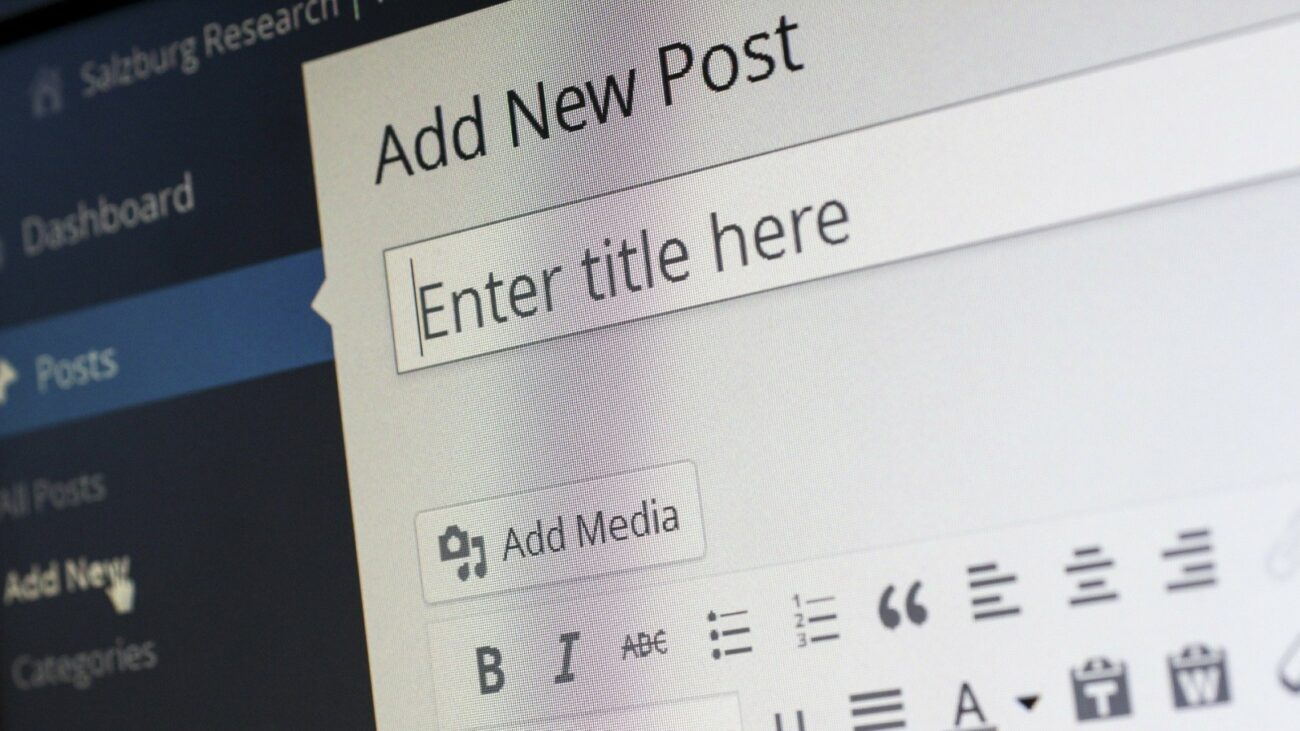
Long-time readers know the site’s been through a few different web hosts over the years. Two years ago, I moved from DigitalOcean to GreenGeeks; DigitalOcean offers virtual private server (VPS) hosting, while GreenGeeks mostly offers traditional shared web hosting. There was also a cheap first-year-only deal for GreenGeeks. However, recent life events (and the initial GreenGeeks deal expiring) have led me to look for a cheaper web host, preferably one that doesn’t make me pay up front for a year.
Narrowing down web hosts was easier this time around: I eliminated almost all of the ones that aggressively pushed AI (“AI site builders,” heavy promotion on their main page, etc.) which left… not many options. Even GreenGeeks, a supposedly eco-friendly host, has an “AI powered” site builder, plus their social media accounts mention AI-related stuff. I narrowed the web hosts down to a few shared VPS options (Linode, Vultr), InMotion Hosting, Hosting.com (formerly A2), and a German one, Hetzner. I briefly considered going back to DigitalOcean, but I then recalled this 404 Media article; that and DigitalOcean’s current aggressive AI push made me change my mind. (As I’ve written previously, the tech industry’s definitely got issues.)
I initially tried Linode, but had issues installing and setting up their “one-click” WordPress instance, even after trying to install WordPress manually. Ultimately, I gave up, and instead decided to try Vultr, who offer a similar shared VPS service at the same price. Their WordPress server installation was easy, went smoothly, and they even emailed instructions listing what steps to do next (setting up a Let’s Encrypt certificate, default WordPress setup info, etc.). As it’s a shared VPS running on Ubuntu Linux, I went into Ubuntu and installed system updates via the terminal. (Vultr also offers a GUI front-end to do this.)
As for setting up my site and moving things over from my old host, that also went smoothly. After installing ClassicPress (to avoid using WordPress) via their migration plugin, I installed UpdraftPlus, the site backup plugin I’d been using for awhile. I downloaded the old site backups to my computer, and then “restored” them on the new site with UpdraftPlus. UpdraftPlus restored all plugins, posts, images, and databases, leaving my new site operating just like my old one. While UpdraftPlus has a “Pro” option for site migration, I use the free version, which does the above. Uploading files took longer than any of the site installation/setup stuff.
So far, things seem to be going smoothly. A mishap of my own doing Sunday morning led me to reinstall my server, but that also went OK (just redoing what I did above; also a reason to keep backups, though Vultr offers regular backups for a small extra fee). The site also seems to run a bit quicker, including the backend stuff.
We’ll see how this holds up. If anyone has any questions, feel free to leave them in the comments.
Image by Werner Moser from Pixabay
Related Posts