
In yet another “stuff that’s changed since a year ago” post, here’s my look at what streaming services I currently use.
Amazon Prime Video

I included this one for the sake of thoroughness, as my subscribing to Amazon is off and on—currently, it’s going to be “off” again in a few weeks. I generally get Amazon for shipping, not for its streaming service, which I find mediocre. Though from the amount of dented household items I’ve received lately—and one reason why I’m canceling—the retail side’s also become mediocre. Even though I don’t have a car (one reason I subscribed), it feels like I’d be better off just going to a local big box store by bus. Never mind the big box store is cheaper for a number of items than Amazon, anyway; said store’s also unionized, versus the notoriously anti-union Amazon.
Prime Video’s organization is sloppy; there’s a confusing mix of content that comes with Prime Video, and other content that requires paying for (through Amazon or a third party service). The constant upselling also feels unique to Prime Video, which isn’t a good thing.
As for the content itself, there’s not much I’m interested in. I mostly use Prime Video for watching sports (“Thursday Night Football,” NBA basketball, and Seattle Kraken hockey games).
Hoopla/Kanopy
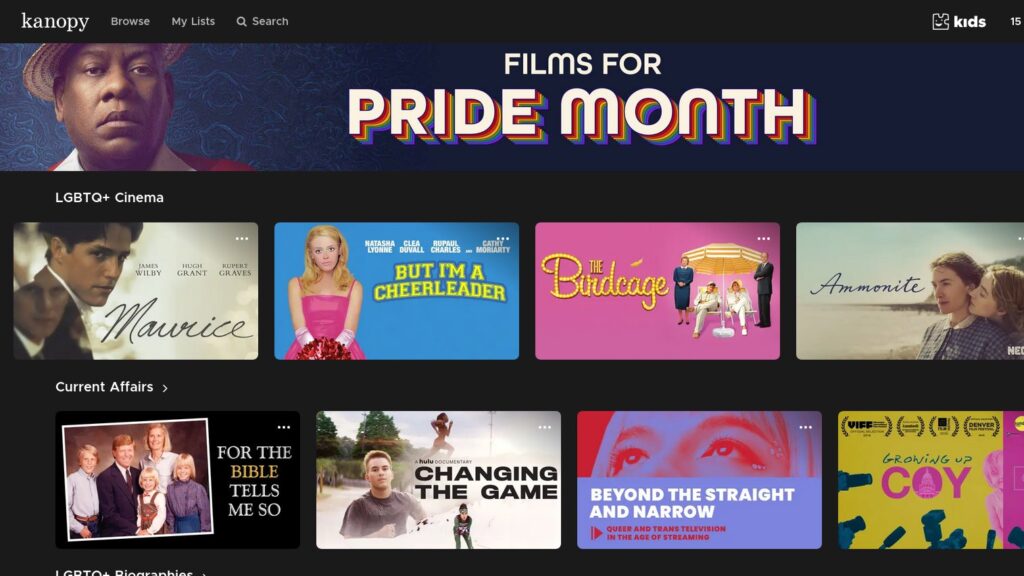
Hoopla and Kanopy are ad-free digital services available through the local public library. Kanopy just focuses on TV shows and movies. Hoopla offers the same, but also digital comics, which is my main use for Hoopla.
Along with comedies and dramas, Kanopy also offers documentaries, international films, and some PBS programming.
Both services place a limit on the number of items watched per month, though this limit varies by library system.
MLB.TV
MLB.TV is Major League Baseball’s streaming service for out-of-market local baseball games, which I get for free from my phone carrier. Nationally broadcast games also aren’t available. And of course, the service isn’t useful after September (the end of baseball season).
As such, it’s a service that I sporadically use as background noise, or to see my old hometown’s teams. It looks like MLB.TV does offer a home team streaming option for some teams, but (unsurprisingly) it’s expensive.
PBS
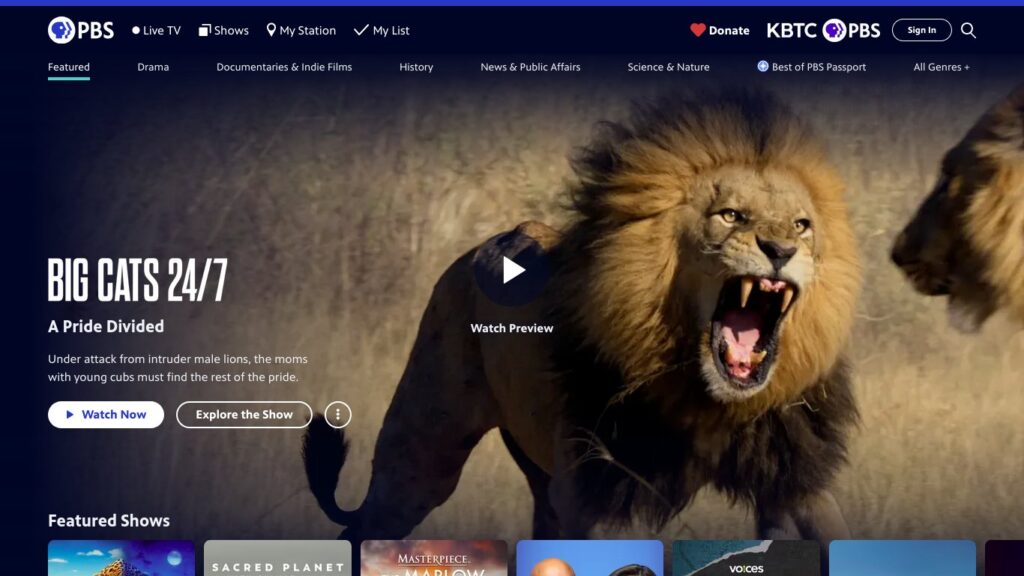
PBS offers free streaming of local PBS stations (in my area, that’s two stations), and offers current and some recent episodes of its shows. For a full back catalog, there’s PBS Passport, PBS’ streaming service for those that donate at least $5 a month or $60 a year to their local stations. And of course, it’s all ad-free. While PBS Passport doesn’t carry children’s programming, PBS Kids is available as a separate app and free streaming service.
PBS programming I like includes “The Great American Recipe” (their cooking reality show). One of my local PBS stations airs classic “Doctor Who” on Saturday nights.
I’ve donated to PBS in the past, and thus had Passport. I’ve thought about doing so again, given it’s cheap, ad-free, and PBS could use the support, given the Trump administration’s mean-spirited gutting of federal funding. PBS is also a bright spot compared to commercial media outlets pursuing pointless mergers, hiking streaming prices, purging content, and/or bootlicking for Trump.
Peacock
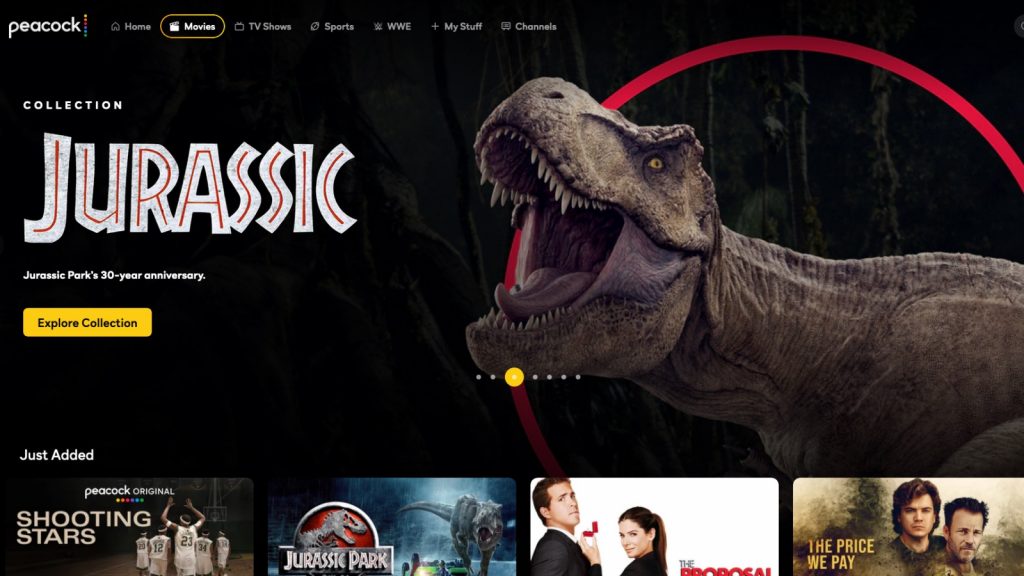
I get Peacock for free from my broadband provider, Comcast. Otherwise, I don’t think it’s a service I’d pay for outside of a Black Friday sale or the Olympics. While it’s useful for sports (“Sunday Night Football,” NBA basketball, the aforementioned Olympics) and the occasional movie, I don’t have much other use for Peacock. Most of the original content is pushing Bravo reality shows I don’t care about.
Peacock has also lost some content due to changes over the past several years: WWE wrestling (it’s mostly moved to Netflix/ESPN), Hallmark (they started their own streaming service, Hallmark+), and MS Now, aka the former MSNBC (spun off into its own company).
Jellyfin
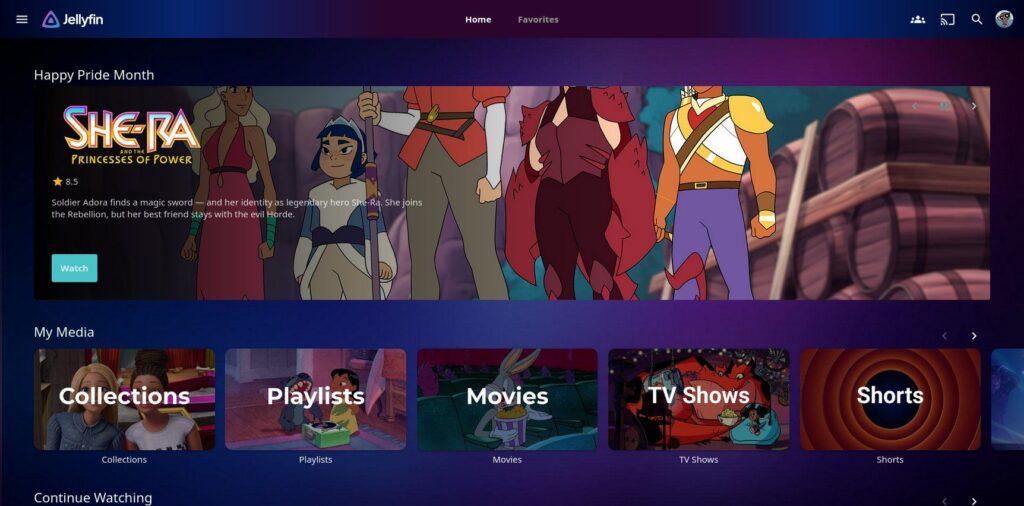
While not a streaming service, I should add my own media server, as Jellyfin has replaced the need for some services. Using Jellyfin software, an external hard drive, and my old Mac Mini, I have my own “Netflix” full of content I like, can’t be removed (unless I do so), isn’t directly supporting terrible billionaires/politicians, and of course, no commercials. Most of the content is from ripping DVDs and Blu-rays, though some content I’ve downloaded from YouTube, the Internet Archive, etc. (piracy I treat as a last resort).
Current cost
Adding up the monthly cost of these services:
- Amazon Prime Video: $15
- Hoopla/Kanopy: $0
- MLB.TV: $0 (via phone carrier, late March to late September; it’s normally $30 a month)
- PBS: $0 ($5 a month for PBS Passport)
- Peacock: $0 (normally $13/month with ads, $20/month without)
- Jellyfin: $0 (though DVD/Blu-ray purchases currently average $15-$20 a month)
- Total: $15
Conclusion
After years of using every major streaming service (from Netflix to HBO Max to Paramount+), I’m pretty much back to where I was before the “streaming wars” started: paying for one or two services, using some free ones, and buying DVDs/running a media server. Though unlike the pre-streaming wars days, I’ve long since canceled cable.
I might get a streaming service on Black Friday, when several are often on sale (Hulu, Disney+, etc.). Otherwise, I’m getting plenty of use out of my current setup. I’m definitely not paying $69 a month for television (what Variety says is the average amount Americans are paying for streaming services). Let alone the $151 a month The Hollywood Reporter states is what all the major services (Netflix, Disney+, Hulu, Prime Video, HBO Max, Paramount+, Peacock, and Apple TV) now run ad-free and unbundled.
My usual maximum budget limit for paying for TV is $40 or $50 a month. As for why the budget: for starters, TV isn’t worth cable-level $100+ costs. I also don’t want to sit through commercials if possible. TV ads have gotten worse: AI slop; pause screen ads are now a thing; right-wing/Trump propaganda come election time; and promotion of cryptocurrency/gambling/”prediction apps.” Finally, who has time to watch enough TV (and every “must-see” TV show) to require paying for eight services?
What streaming services do you use?
Image by StockSnap from Pixabay
Related Posts


Fun read – I admire the discipline of a $15/month total. The Jellyfin section stood out to me: running your own media server on an external drive is honestly the best bang-for-buck move in this list, since it replaces whole services outright. Also good to see Hoopla and Kanopy get a mention; the monthly item limits keep them from fully replacing paid options, but paired with PBS they’re a great free baseline. Thanks for sharing the breakdown.