Last updated on August 25th, 2026
I’ve occasionally posted on Mastodon and Bluesky images of my Jellyfin media server. I thought I’d post some of them on here, to demonstrate the state of my media server.
Diversity
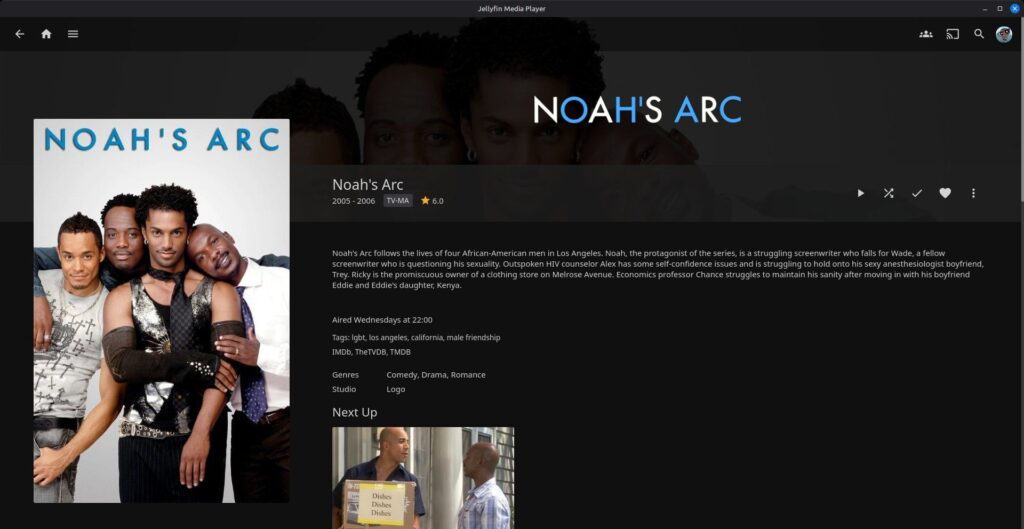
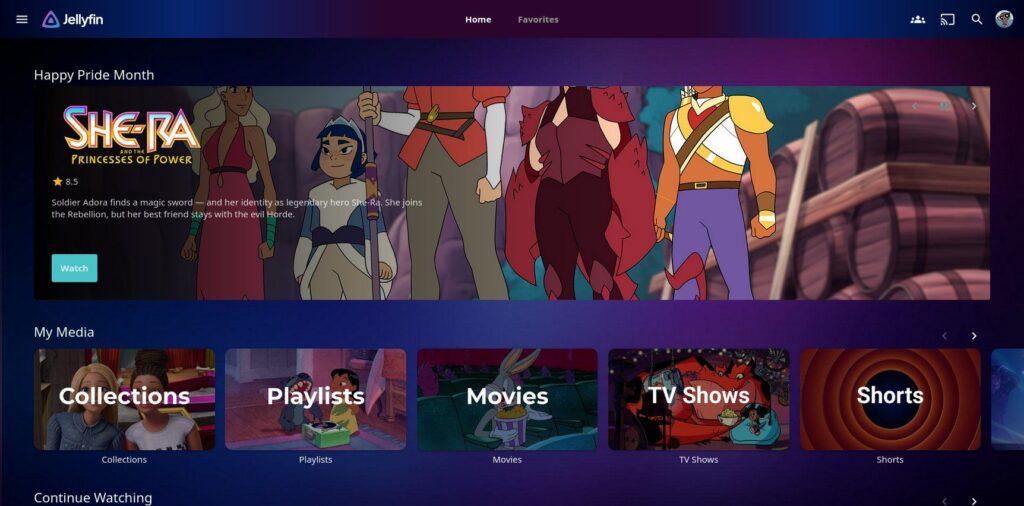
I use Jellyfin’s collections and playlists features to organize my TV shows and movies along various themes. This includes specific studios (like Disney), characters (like Scooby-Doo), franchises (like “Star Trek”), and diversity lines. One example of the last one is a collection of LGBTQ-related content; while useful year round, it’s especially so for Pride Month.
Holidays
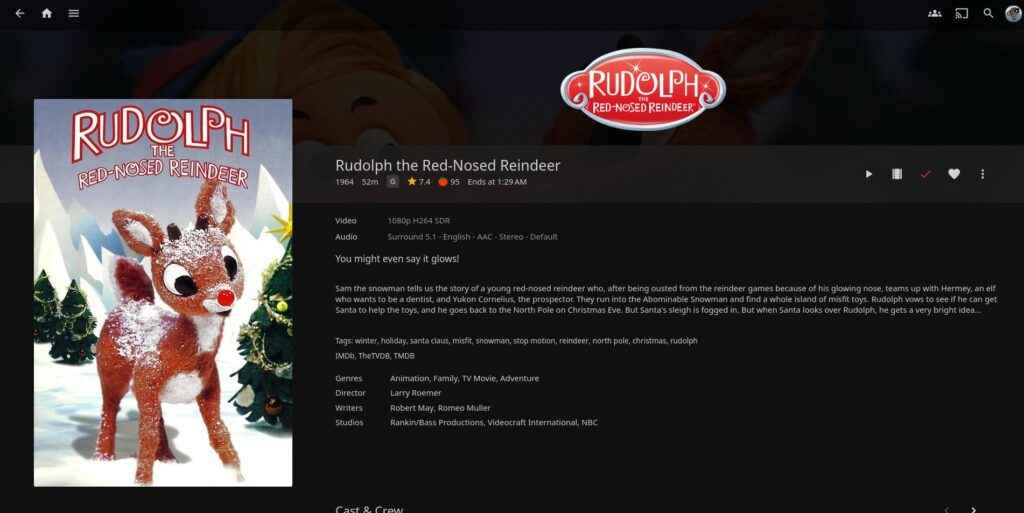
Here’s a Christmas-related holiday image. I have most of my Halloween, Thanksgiving, Christmas, and Easter specials/films in their own libraries. That way, I can turn said library on and off at their respective holidays, so I don’t have to scroll past the Grinch, Peter Cottontail, or “Halloweentown” year-round.
Characters
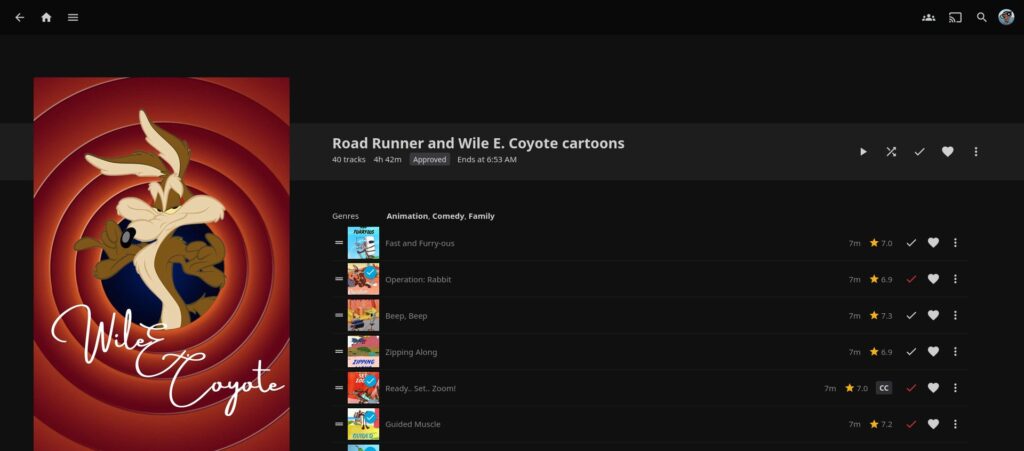
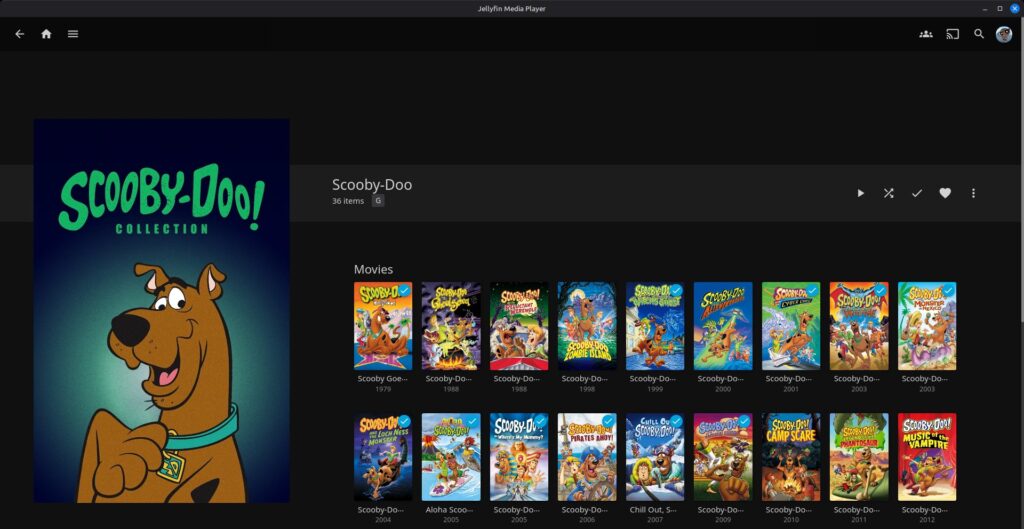
Here’s a few examples of collections and playlists centered around characters. The posters for these (and some others) I downloaded from the Poster Database (TPDB).
Superheroes
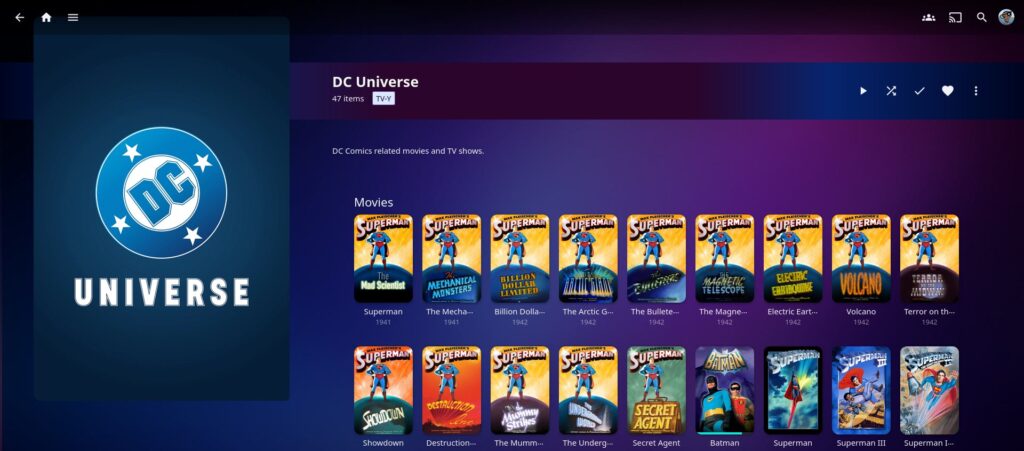
Here’s part of my DC Comics-related film and TV show collection. I don’t have as much Marvel stuff, but I’m reminded what I do have should get its own collection.
Music
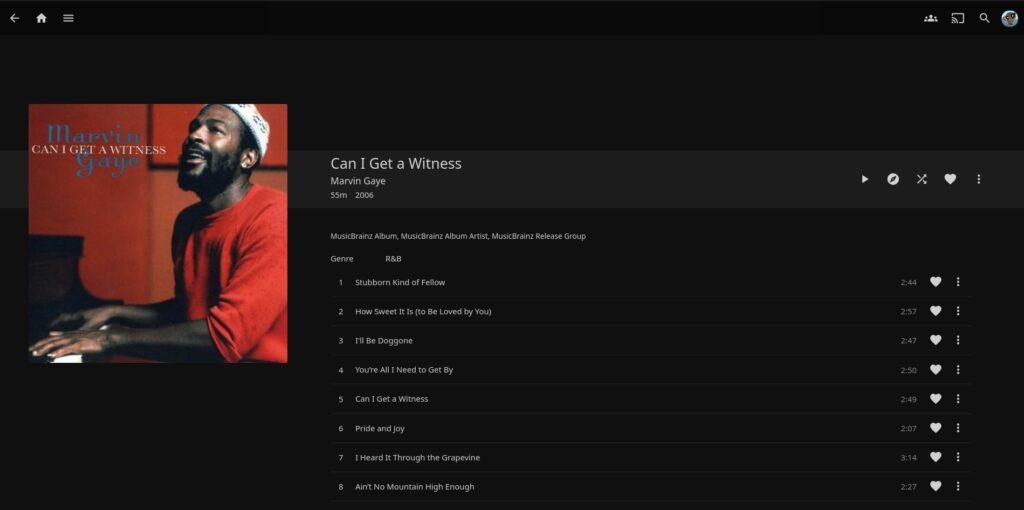
Yes, I use Jellyfin for music, too, even if I’m more focused on the video side. Here’s one album, a collection of Marvin Gaye songs.
Collections
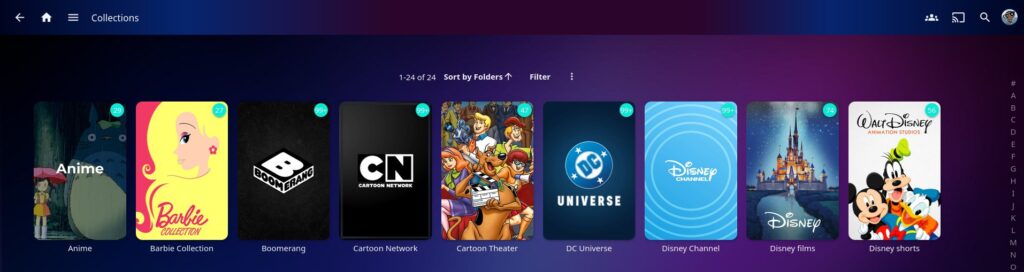
Here’s a screenshot of part of the collections page, including some of the collections. If wondering, “Boomerang” is where I put the various Hanna-Barbera shows; “Cartoon Theater” (named after the old Cartoon Network movie block) is where I put the various Warner Bros. owned animated films, from “The Jetsons Meet the Flintstones” to “The Iron Giant.”
Main page
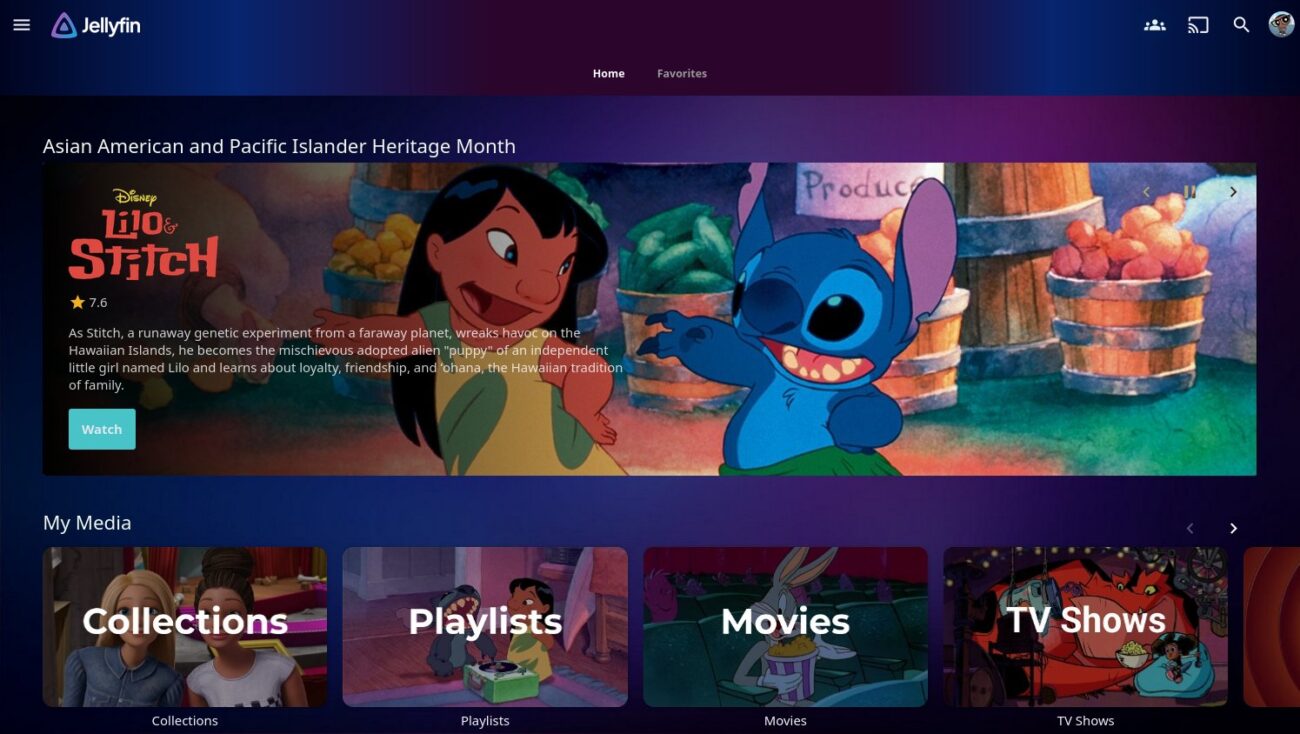
For the main page, I use the Editor’s Choice plugin to add a rotating banner showing featured TV shows and movies. Said material can be randomly chosen, or based on a specific collection. Thus, I can show highlighted material for Pride Month, Black History Month, the holidays, etc. One downside: the plugin, like many that modify Jellyfin’s appearance, doesn’t work on the Google TV/Android TV Jellyfin app, though they do work on my Android devices’ Jellyfin apps.

As for the “My Media” section, by default Jellyfin pulls images at random to display. However, I opted to make my own images using this site; I opted to center all of them around animation. Currently, the sections consist of:
- Collections. The image is of “Malibu” and “Brooklyn” Barbie.
- Playlists. The image is from “Lilo and Stitch” (Lilo using Stitch as a Flintstones-style record player needle).
- Movies. The image is of Bugs Bunny in a movie theater, from the 90s theatrical short “Box-Office Bunny.”
- TV Shows. The image is of Moon Girl and Devil Dinosaur watching TV, from “Moon Girl and Devil Dinosaur“‘s opening credits.
- Shorts. The image is the famous Looney Tunes rings. If wondering, this is the library I place all animated shorts (Looney Tunes, Woody Woodpecker, Disney’s shorts, etc.). Again, these were released to theaters as short films, not as TV shows, so it’s easier to just treat them as the movies they are. Versus trying to awkwardly hammer them into TV “episodes,” like some online do.
- Music. The image is of Huntrix from “KPop Demon Hunters.”
Image: Jellyfin main page in the browser user interface, with the Editor’s Choice plugin (thus the custom banner at the top), despite the plugin not working in nearly all Jellyfin apps. (Screenshot by author)
Related Posts