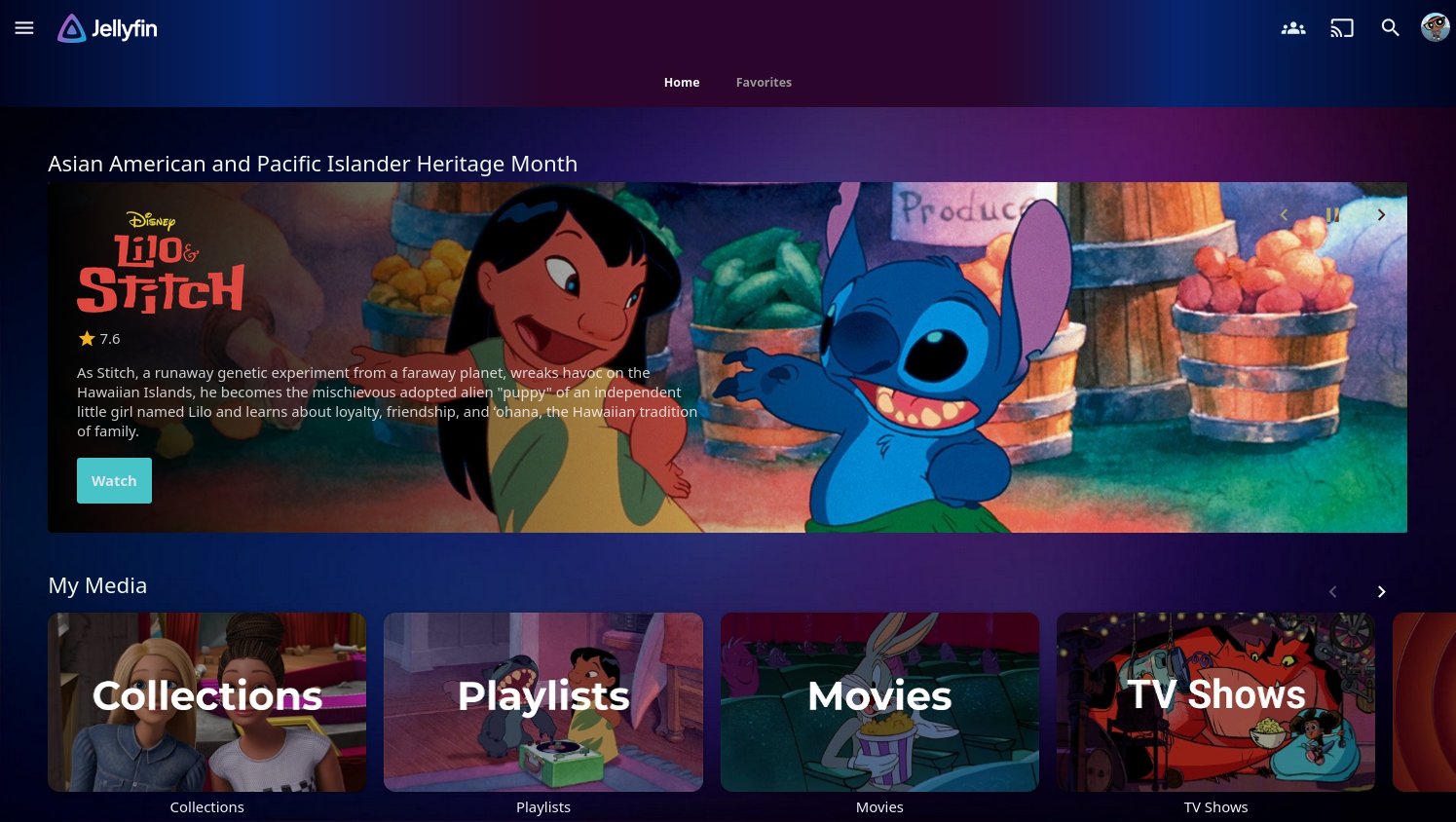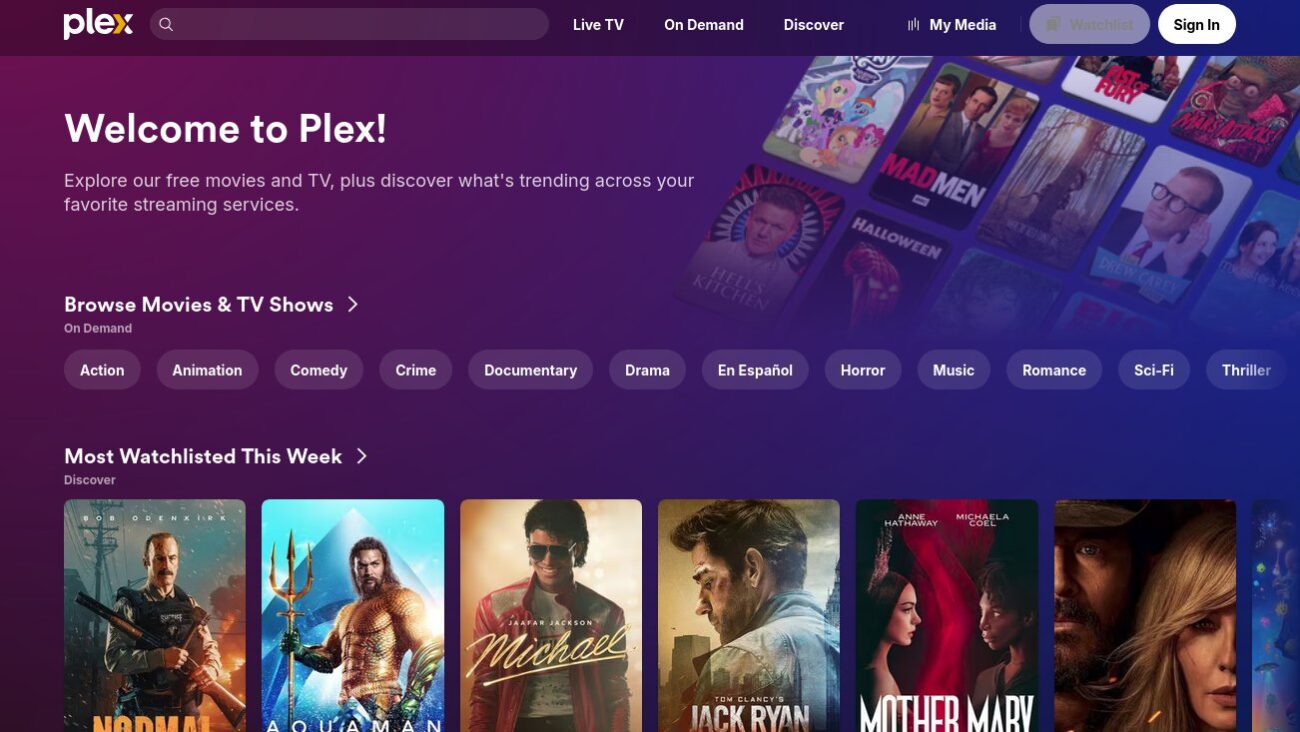
This week, Plex (the popular media server software and free ad-supported streaming service) made a surprising announcement. Starting July 1, the cost of a lifetime pass for Plex Pass will triple in price, from the current $250 to a whopping $750. The price of said pass already increased last year from its previous $150, the amount it had held at since 2014. The free tier will remain as-is, along with Plex Pass’s current monthly rate of $7 a month or $70 a year. Current Pass holders (and those that buy in before July 1) will also see things remain as-is.
For the unfamiliar, Plex Pass is what allows full access to Plex’s features. There’s also a more limited Remote Pass feature (at $2 a month) offered, which allows streaming media away from home. However, access to all features, such as media transcoding, downloading media to use without an internet connection, others streaming from your server (without requiring them to pay for Remote Pass), etc., require the full Plex Pass.
Needless to say, the lifetime pass news has gone over like a lead balloon with almost everyone, even some of those who’ve already bought the Plex Pass. A few online comments are smug about it (mostly along the lines of “I bought a lifetime pass on sale at $50 a decade ago, who cares?”) or are trying to rationalize a lifetime pass now costing about what a new Mac Mini costs, but otherwise, nobody’s pleased about this.
The advantages of Plex

Plex’s biggest advantages as of this writing are:
- A polished user interface (UI).
- It’s easy for Plex server owners to set up and stream their content to users outside their home. Users just need to sign up for a Plex account and install the Plex app on their devices, just like signing up for Netflix. The Plex server owner then just grants access to the user through Plex’s settings/cloud.
The downsides of Plex’s new lifetime pass price
Lifetime passes for online-tied services are already an iffy proposition—who knows what the future will bring for the company that makes the software? Still, it’s one way of allowing those who don’t want to pay monthly and support the software to just pay one lump sum.
That said, Plex is no scrappy startup software company that needs the cash. Recent years have seen Plex shift its focus to adding features users weren’t clamoring for, most prominently a free ad-supported streaming service. Said FAST service is what’s heavily advertised to the general public, with the media server aspect all but demoted to a secondary feature. Wikipedia states Plex’s FAST service, as of 2023, has 16 million users, or about what Crunchyroll currently pulls in. As such, Plex certainly shouldn’t need $750 lifetime passes to keep the lights on… or pay for ill-considered and ill-fated corporate retreats.
Some note it’s probably an attempt to steer users to monthly subscriptions, as it’s a perpetual source of revenue, and without discontinuing lifetime passes outright. Still, pricing it at an amount few if any users will pay and not just eliminating the pass feels dishonest. It’d be less insulting to just axe the lifetime pass, since they clearly don’t want it anymore.
It’s no surprise that there’s been a spike in discussion of Plex alternatives. The most prominent alternatives to Plex are Jellyfin, Emby, and Kodi. Jellyfin’s the most popular one, and has seen much discussion (including by yours truly). Below, I give my brief thoughts on these Plex alternatives.
Jellyfin
Site: https://jellyfin.org/
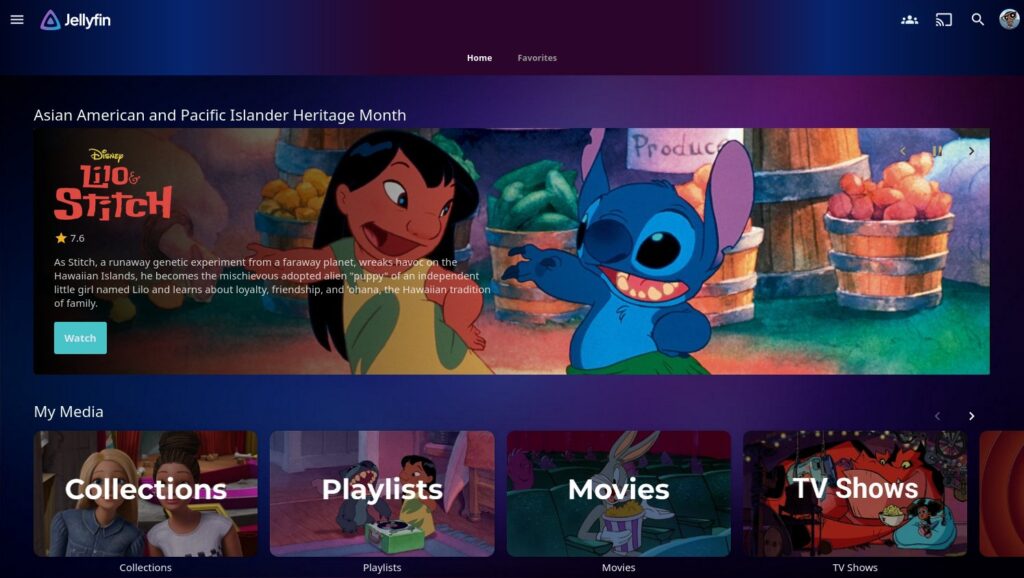
Jellyfin is what I currently use for my media server. It offers most of the same features as Plex, but is completely free, both in open standards and in cost.
Unfortunately, Plex’s two advantages above are also Jellyfin’s two biggest downsides. Like a lot of open source software, its UI isn’t the slickest. It’s also not as easy to stream outside of a home network to others (no cloud-based authentication service like Plex). However, there’s been attempts to address both of these.
Third-party Jellyfin apps
Various third-party apps exist that offer a polished UI. The best options I’ve seen:
- Android TV: Wholphin and Fladder are two popular options. Wholphin offers a Plex/Netflix-like UI; I’ve been using it lately on my Onn 4K Pro box. Both are available through the Google Play app store; Wholphin is also available through Amazon’s app store for Fire TV users.
- Android: Findroid is a decent app for video (and allows downloads), though it doesn’t handle music. For music, there’s Finamp and Symfonium (the latter is a paid app).
- Apple TV: Infuse is a popular and well designed app. I note it charges its own fees for some features.
- iOS: Infuse also works on iOS devices. Swiftfin is another option, and completely free.
Unfortunately, Roku doesn’t seem to have any alternative apps, as far as I can tell. Though apparently the native Jellyfin app’s seen improvements recently.
Some Jellyfin plugins and themes also can make Jellyfin a nicer experience; the Awesome Jellyfin GitHub page collects the best of these. However, many of these, such as the Editor’s Choice plugin, only work on the browser user interface, and not in any apps.
Remote server access
As for streaming outside one’s home network, one option is Tailscale, a free VPN service that works neatly with Jellyfin. It’s even mentioned in Jellyfin’s documentation. While it’s a third-party service (and thus all the flaws of such), and admittedly one more step vs. Plex, it’s still reasonably easy to set up:
- Install Tailscale on the Jellyfin server.
- Log in (if needed, it’ll prompt you to create an account). Write down or copy the Tailscale IP number.
- Install Tailscale on your devices, and log in there.
- On your device’s Jellyfin app, use the Tailscale IP number from step #2 above to access your Jellyfin server (enter it where Jellyfin asks for a server IP number).
That’s all. There’s other ways to set up remote access, but Tailscale is much easier for most people than learning about, say, reverse proxies.
Emby
Site: https://emby.media/
Emby is a closed-source media server app. It’s what Jellyfin is forked from; as such, Emby offers a similar experience.
Like Plex, Emby offers an easy way to allow remote access to others. There’s also “Emby Premiere,” a Plex Pass-like service that offers extra features (downloading media to apps, etc.). Unlike Plex, the service is more affordable (probably since it’s not trying to become a Tubi knockoff): $5 a month, $54 a year, or $119 for a lifetime license.
I haven’t used Emby, so I can’t personally comment on how it fares.
Kodi
Site: https://kodi.tv/
Kodi is an open source media server; Plex is actually a fork of Kodi. As such, Kodi should offer a fairly polished user experience. Remote access, however, is apparently in the same spot as Jellyfin (no cloud middleman like Plex that makes access easy), though Tailscale should also work with Kodi?
Again, I haven’t used Kodi, so can’t speak about it first-hand.
Conclusion
Unless you’re a current lifetime pass owner or need Plex’s remote access features, it’s hard for me to recommend Plex at this point. Even if the alternatives aren’t as slick, they’re certainly a lot cheaper than what Plex is demanding. Jellyfin, Emby, and Kodi are also actually focused on being self-hosted media servers, not Tubi or Roku Channel competitors.
I note for $750, even with AI-craze-inflated prices, one could buy a pair of external hard drives (and couple those with a spare/used PC) or a network attached storage (NAS) device for a media server.
Image: Plex main page. (Plex)
Related Posts