About two weeks ago, I bought a new laptop, the Lenovo IdeaPad 3 Slim, at an early Black Friday sale at OfficeMax. A 2024 model, it has a 15.6-inch 1920×1080 screen, 16GB of RAM, a 512 GB SSD, and an AMD 7-7730U processor (the AMD equivalent of Intel’s i7?). It’s also got a backlit keyboard and a physical shutter to block the webcam. The laptop came preinstalled with Windows 11, AI garbage and all.
Overall, it’s a decent middle-tier laptop. My previous laptop is also an IdeaPad, but as it’s about five years old, I thought a replacement was due. Normally, I’d have waited until tax refund time in February or March, but given Trump is taking office in January (and nonsensically pushing tariffs on imports, particularly electronics), now’s probably the time to buy any big-ticket electronics.
As for the operating system, I bought the laptop to run Linux on it, as I’ve never liked Windows (I have an Xbox to play video games, so not completely Microsoft-less). While I’ve been using Linux Mint for years, I decided I wanted something with a more Mac-like user interface. After looking at Pop!_OS, plain old Ubuntu, and even Ubuntu Budgie, I went with a distro I haven’t used in years: Fedora. Specifically, the stock Fedora 41 installation using GNOME.
When I first started using Linux, Fedora was the distro I used, before I switched to Ubuntu for a long stretch. Fedora was nice, but at the time, I felt its handling of codecs and third-party repositories was confusing and convoluted.
Experience so far with Fedora 41

Installing Fedora went OK. However, I found two problems (repeated across all the distros I tried, including standby Linux Mint): WiFi would either not be detected or quickly drop with no way to reconnect; and if I suspend the laptop and then resume using it, the keyboard stops working (though the mouse still works). I found a fix for the former; the WiFi hardware brand this IdeaPad uses (RealTek) and its driver have apparently had issues with Linux for awhile. Unfortunately, as of this writing I haven’t found a solution for the suspend issue, so I’ve turned it off where I could and just shut down the laptop at the end of the day. My only guess is these issues are from either its rather new hardware (the laptop was built in July, according to the sticker on the bottom of the laptop) or its use of integrated graphics. I can only hope this will be fixed in future updates (or the kernel itself).
As for GNOME, things work OK otherwise. Fedora probably falls under a distro aimed at more longtime or experienced Linux users than beginners, though it still seems odd they didn’t include an email program by default. (I installed Thunderbird.) The default GNOME programs for the calendar, as well as LibreOffice, are included. Besides installing my favorite programs, here’s what else I did after installation:
- Install any prompted system updates, of course.
- Enable the RPM Fusion third-party repository (to install a wider range of items, including codecs/fonts not falling under FOSS). This requires using the terminal, though a simple command.
- Install the GNOME Tweaks and the GNOME Extensions programs. These will let you do things such as add back the maximize and minimize window buttons, as well as (via the “Dash to Dock” extension) lock the dock in place, akin to Mac OS’s dock. I also pinned some favorite apps to the dock.
- Sort the folders before the files in the file manager. (Go to Files > Preferences and toggle the option under “General.”)
Conclusion
Overall, other than the aforementioned suspend issue, things are working OK. (Though I’m still re-adjusting to RPM after years of Debian-based Linux distros.) As for whether I’ll stick with Fedora in the long term, we’ll see.
Still, if you just want a Mac OS-style desktop and don’t want Fedora (or want a Debian/Ubuntu-based Linux distro), I’d look at Pop!_OS, though it’s currently in the middle of an overhaul to its desktop (shifting away from GNOME). Users looking for a more Windows-style dekstop should go with Linux Mint (with the Cinnamon desktop).
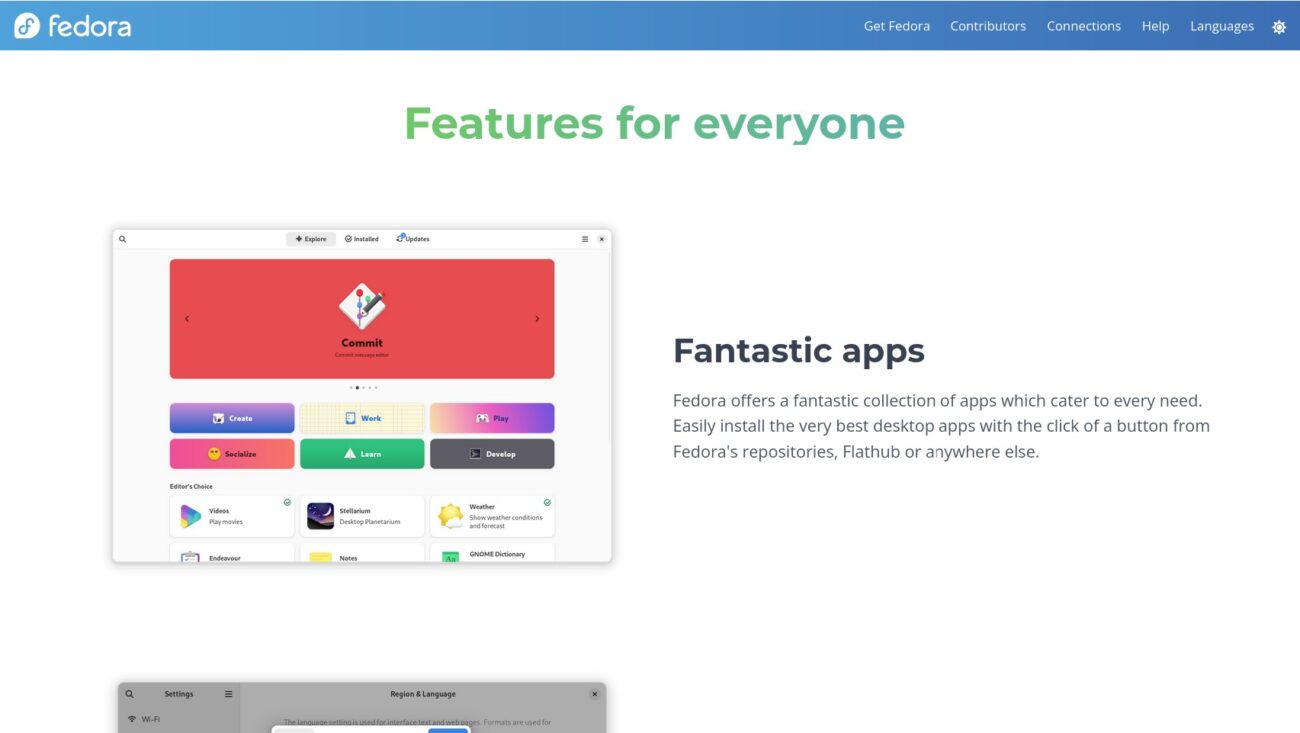
Image: Fedora Workstation web page. (Fedora / screenshot by author)
