Last updated on July 16th, 2023
Creative Commons images are a popular way to get free images to use in projects, such as blogs. However, it’s important to properly credit the use of Creative Commons images. Below is a look at how to credit such images.
How to properly attribute Creative Commons images
The Creative Commons wiki recommends image attributions include the following information:
- Title of the image
- Author of the image
- Source of the image, preferably with a link to the original
- License chosen
Ideally, attribution should also include links to the author’s page and the Creative Commons license used.
Ideal attribution
Below is an example of what a complete attribution should look like:

As you can see, the title’s included, as well as links to the creator, image source, and Creative Commons license.
Simplified attribution
Here’s a simplified, acceptable version of the above attribution.
Photo by Michel Curl / CC BY
This is less ideal than the full attribution, as it fails to list the photo’s title. Still, since there’s links to the image source, creator, and Creative Commons license, it’s a valid and acceptable attribution.
For slightly modified images
In cases where the original image has slight modifications, Creative Commons suggests (for example) the following attribution:
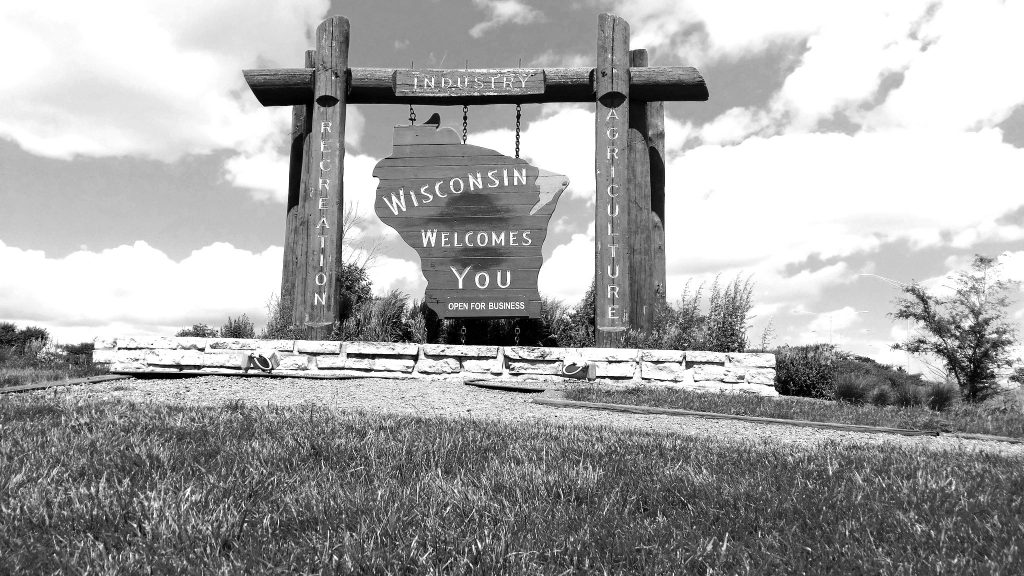
An adaptation of the original work
If the work’s been significantly altered for one’s work, Creative Commons suggests something like the following attribution:
This work, “Aliens invade Wisconsin,” is adapted from “Wisconsin Welcomes You” by Michel Curl, licensed under CC BY 2.0. “Aliens invade Wisconsin” is licensed under CC BY 2.0 by John Smith.
This attribution incorporates the original work’s title, author, source, and license. It also mentions the new work’s title and author, plus that the new work’s derivative of a previous work. Depending on the original Creative Commons license (or if the derivative work’s creator opts to do so), there’s also listing the license the new work falls under.
Incorrect Creative Commons image attribution
Here’s an incorrect attribution:
Photo: Creative Commons
Items missing include: the title; the creator’s name; links to the original source; and the correct license. “Creative Commons” is an organization, not a creator or a proper license.
License generators
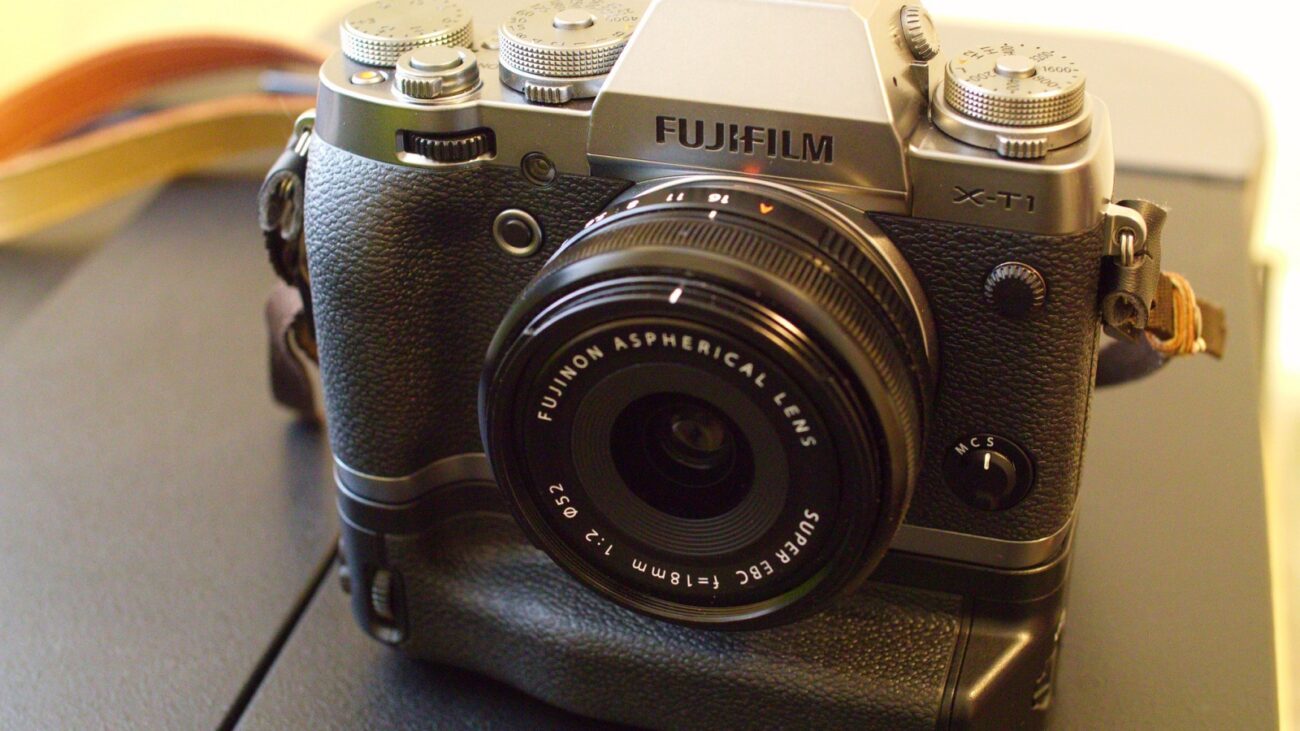
There’s some ways to speed up creating the above attributions. One such way is using one of various license generators online, such as this generator on the Open Washington website. Just enter the proper links and image/creator information, and the generator creates a proper attribution, plus HTML code to copy and paste into one’s site. Here’s an example, using this post’s featured image:
“Fuji-XT1_Graphite_Vertical-Grip” by rodalens is in the Public Domain, CC0
“Fuji-XT1_Graphite_Vertical-Grip” by rodalens is in the Public Domain, CC0 (cropped from original)
Related Posts